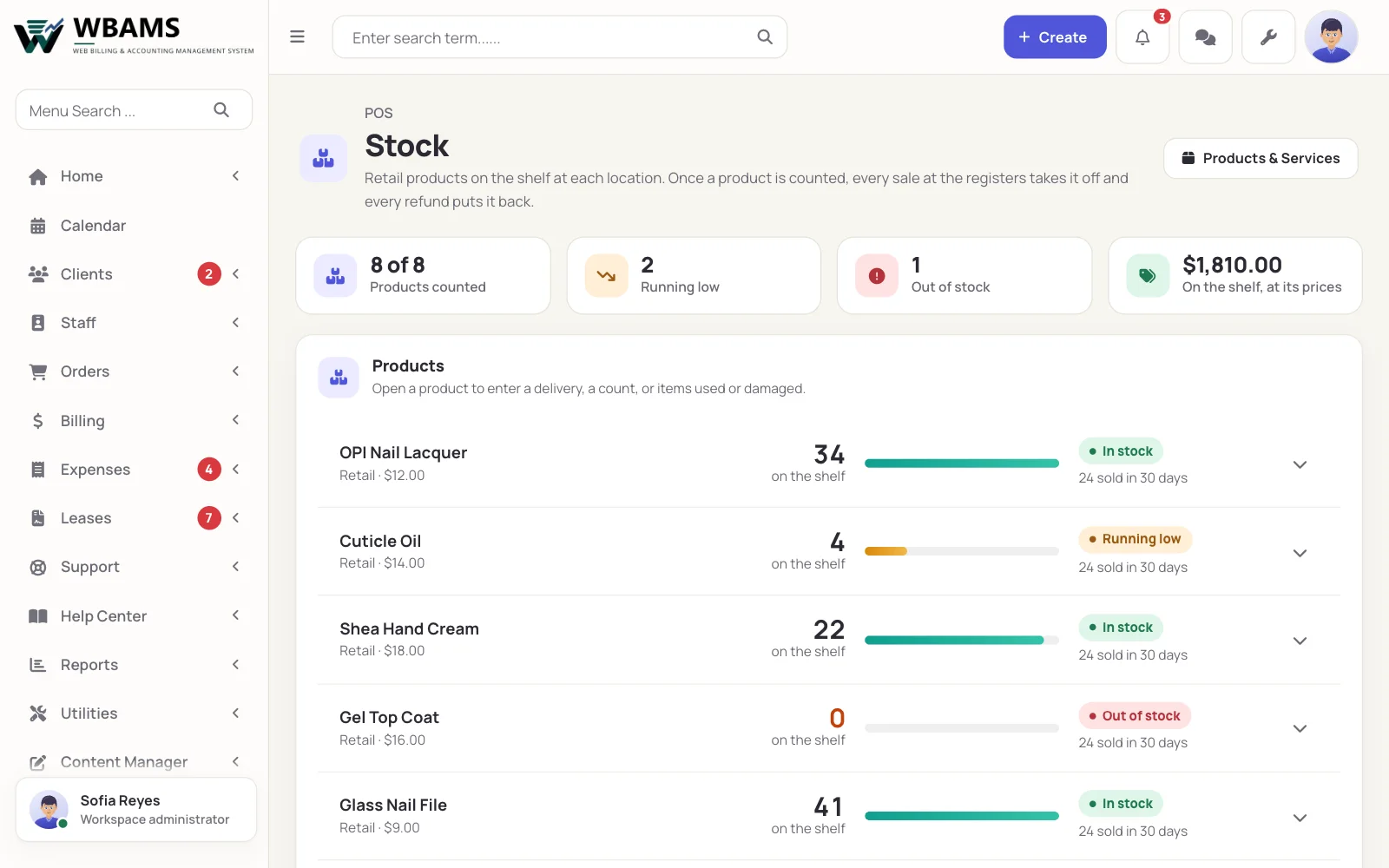
Stock lists each location's retail products from your register menus. Once a product is counted, every sale at the registers takes it off the shelf and every refund puts it back, by itself.
Start counting a product
- Open System Settings → Stock.
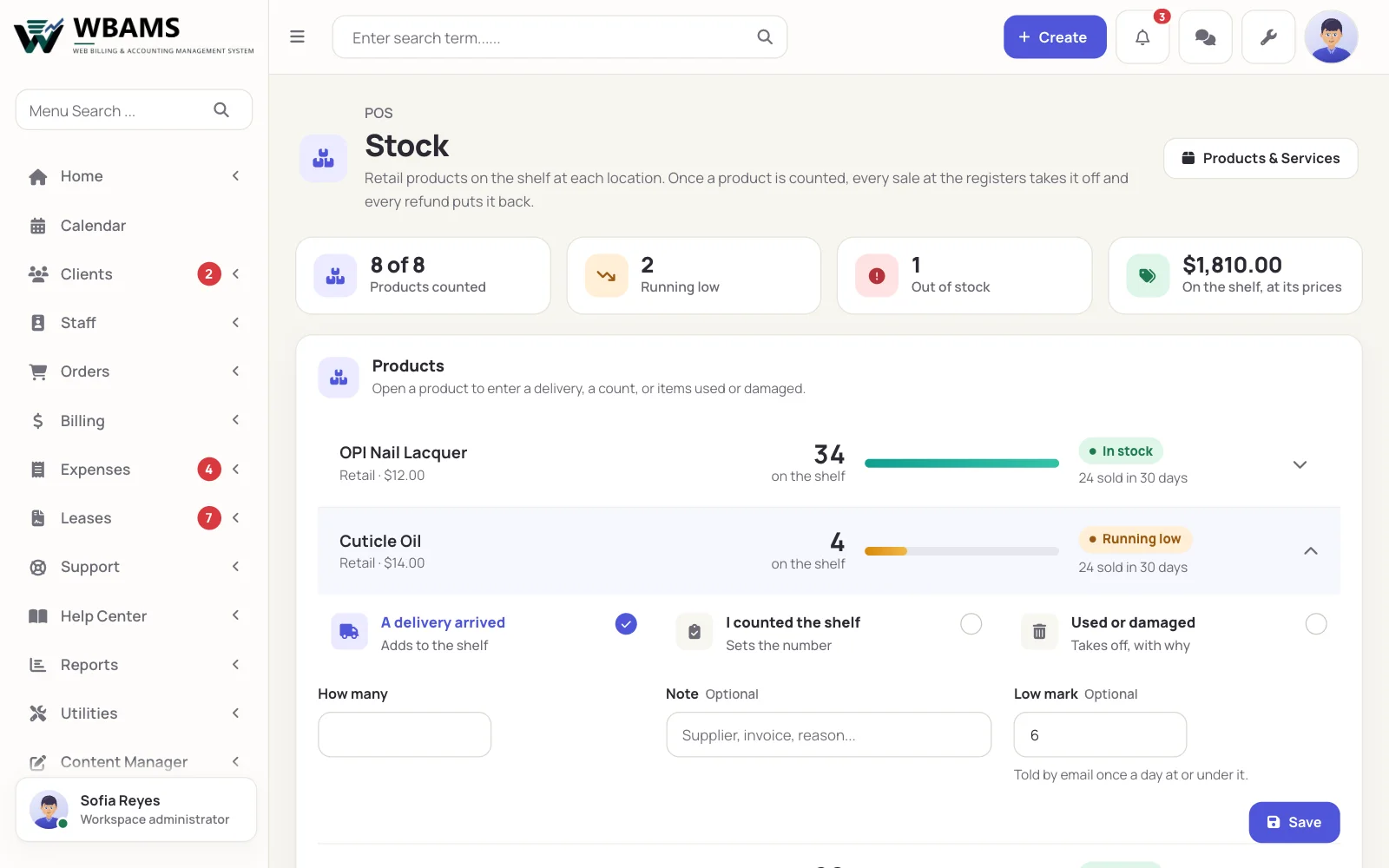
- Open a product, choose I counted the shelf, and type How many are on the shelf.
- Type a Low mark if you like. While a product is at or under it, owners are told by email once a day.
- Press Save.
Day to day
Open the product and choose what happened:
- A delivery arrived adds to the shelf.
- I counted the shelf sets the number.
- Used or damaged takes off, with why.
Each product shows what is on the shelf, whether it is In stock, Running low or Out of stock, and how many sold in the last 30 days. Latest changes lists every sale, refund, delivery, count and adjustment, newest first.