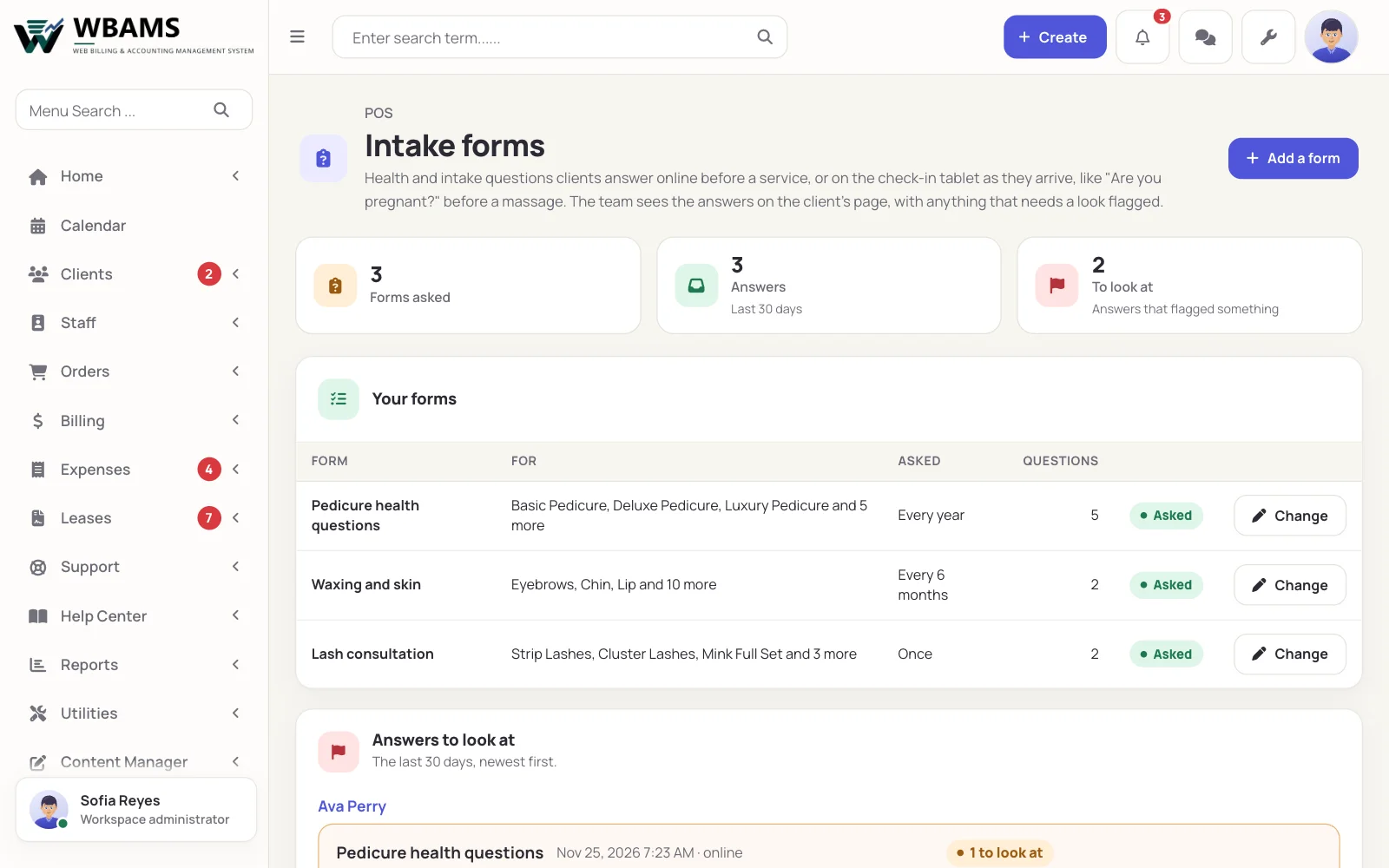

An intake form asks clients a few questions before a service, such as “Are you pregnant?” before a massage. Clients answer online right after booking or from My bookings, or on the check-in tablet as they arrive. The team sees the answers on the client's page, with anything that needs a look flagged.
Add a form
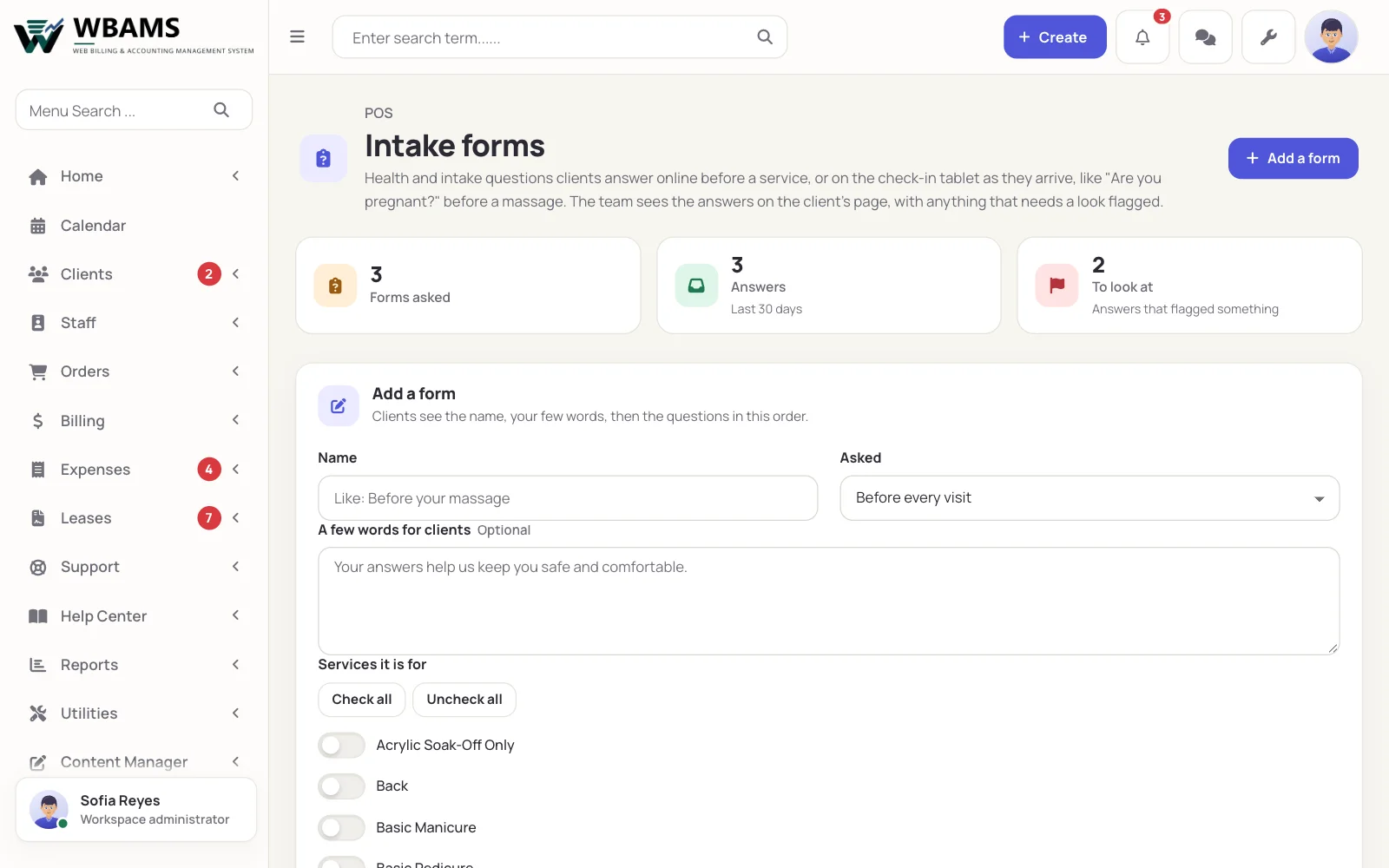
- Open System Settings → Intake forms and press Add a form.
- Type the form's Name, and choose how often it is Asked: Before every visit, Once, Every 6 months or Every year.
- Add A few words for clients if you like. They read them above the questions.
- Tick the Services it is for. None ticked means it is asked before every visit.
- Under Questions, type each question and choose its Answer: Yes or no, Short answer, Longer answer or One of a list (with the Choices one per line). Tick Required where an answer is needed.
- Under Flag when, choose the answer the team should look at, such as Yes to an allergy question.
- Leave Asked now on, and press Save.
Turning Asked now off stops asking it. The answers already given stay.
On the check-in tablet
When a returning client checks in on the tablet, the tablet asks the forms that are due for the services they chose, before they join the waiting list. Each form shows its name and words, and the required questions are marked. Continue with a required question unanswered says so on that question.
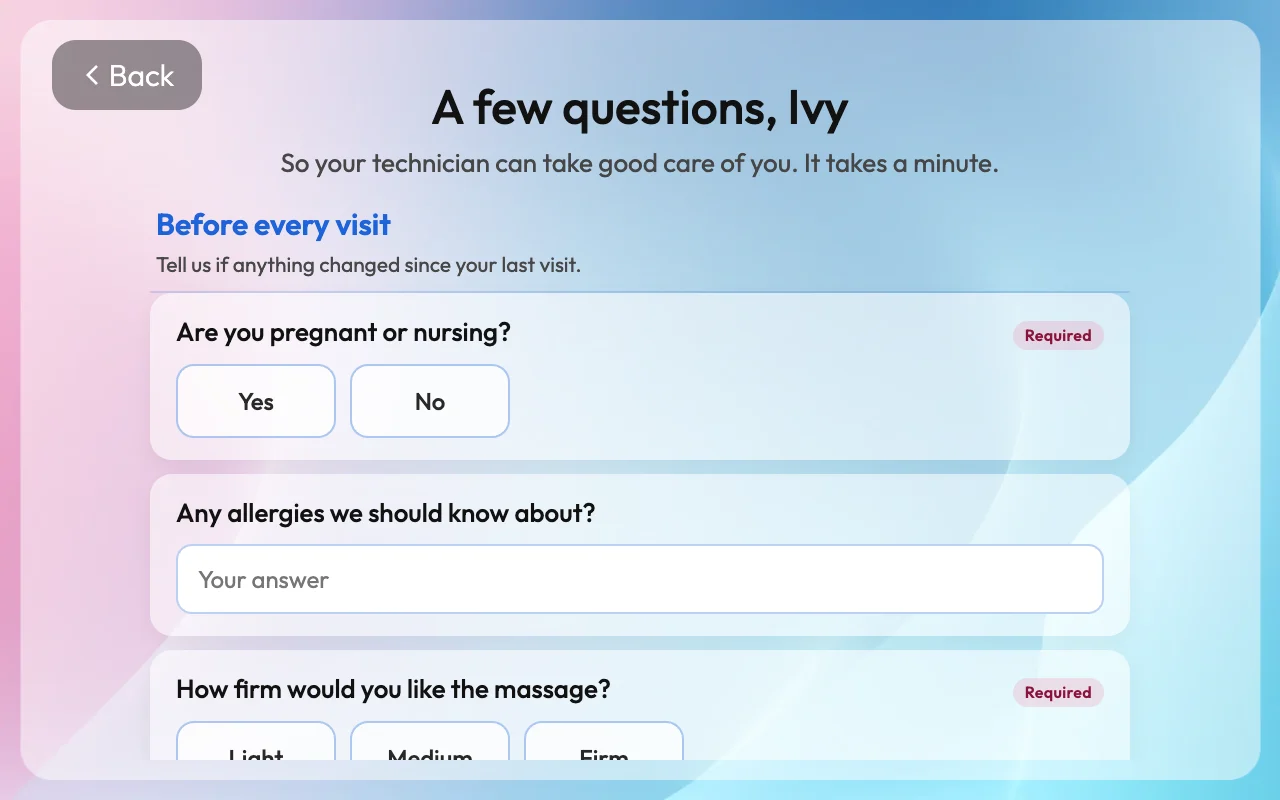
Questions on the check-in tablet need EraPOS 2.0.18 or later on the store PC. With an earlier version, clients answer online only. See Customer check-in for the tablet itself.
The answers
Answers to look at, at the bottom of Intake forms, lists the last 30 days' answers that flagged something, newest first. Each client's page shows all their answers under Intake answers, with those that need a look marked, beside their Care notes.